








The best eSIM for iPad travel starts with the device you own. A compatible cellular iPad can use its own data plan; a Wi-Fi-only iPad needs Wi-Fi or a hotspot. Once that is clear, compare the whole trip price, installation method and how much independence you need from your phone.
Disclosure: This article contains affiliate links. We may earn a commission at no extra cost to you.
Quick Verdict
Ubigi is our starting choice for a cellular iPad, especially for a European trip. It documents iPad setup, supports a reusable profile and offers a one-off Europe 10GB / 30-day package for US$15. For Japan, GigSky’s current public sale has the lower upfront 5GB and 10GB prices among the fixed packages below.
- A cellular iPad with its own connection: start with Ubigi, then compare the exact destination price.
- Lower upfront Japan cost: GigSky shows 5GB / 30 days for US$8.75 sale or 10GB / 30 days for US$14.27 sale. Regular prices are US$10.29 and US$16.79.
- A phone and iPad used together: Nomad eSIM’s Japan 20GB / 30-day sale at US$23 can cost less than buying two separate 10GB packages, if you can share the connection.
- A Wi-Fi-only iPad: use a phone hotspot or available Wi-Fi. Buying a travel eSIM does not add cellular hardware.
Table of Contents
Find your eSIM

Where are you going?
Your trip
Days and data cover the whole trip.
The starting example is Japan for 14 days. Change it to your destination, or add all the countries on a European route. Check the model requirements below before buying; the galleries later in this guide show the providers’ mobile apps, whose layouts can differ on iPad.
Which iPads Can Use a Travel eSIM?
Check both the model family and the Wi-Fi + Cellular version. A model name such as iPad Air is not enough. Apple lists the following eSIM-capable families; regional versions and provider restrictions still matter.
Apple’s eSIM-capable iPad families
| Model family | Supported Wi-Fi + Cellular versions |
|---|---|
| iPad Pro 11-inch | 1st–4th generation; M4 and M5 |
| iPad Pro 12.9-inch | 3rd–6th generation |
| iPad Pro 13-inch | M4 and M5 |
| iPad Air | 3rd–5th generation; 11-inch and 13-inch models with M2, M3 or M4 |
| iPad | 7th–10th generation; iPad (A16) |
| iPad mini | 5th and 6th generation; iPad mini (A17 Pro) |
| Any Wi-Fi-only iPad | No travel eSIM support; use Wi-Fi or a phone hotspot |
Recent cellular iPads are eSIM-only: iPad Pro M4/M5, iPad Air M2/M3/M4, iPad (A16) and iPad mini (A17 Pro) have no physical SIM tray. Older cellular models in the supported list can have a physical SIM option as well.
- Open Settings → General → About. Tap Model Number to reveal the A-number and identify the exact version.
- Look for the EID and the cellular-data menu. An EID is a useful hardware check; successful installation also depends on the regional model and provider.
- Check the provider’s device list and app requirements. If a carrier or employer supplied the iPad, ask about activation restrictions rather than assuming it is unrestricted.
Use Apple’s iPad eSIM setup guide and our device compatibility help to check the device before choosing a plan.
What if the iPad was purchased in mainland China?
Use the exact A-number in Apple’s mainland China iPad guide. Apple lists specific regional models and China Unicom for local iPad eSIM service. On those supported regional models, installing a non-mainland-China eSIM requires being outside mainland China with Location Services enabled. The general family table alone does not establish that an imported iPad will accept your travel plan.
Japan eSIM Prices for a 14-Day iPad Trip
We compare two fixed-data baskets: at least 5GB for light use and at least 10GB for more regular use, each lasting the whole 14-day trip. A 30-day plan still means buying the full package. These are the USD packages inspected on October 12, 2026, before optional reader codes; public sales are marked.
Fixed-data packages that cover 14 days in Japan
| Provider | 5GB+ / 14-day trip | 10GB+ / 14-day trip |
|---|---|---|
| GigSky | 5GB / 30 days US$8.75 sale Regular: US$10.29 | 10GB / 30 days US$14.27 sale Regular: US$16.79 |
| Nomad eSIM | 5GB / 30 days US$10.00 | 10GB / 30 days US$16.00 sale Regular: US$18.00 |
| Ubigi | 5GB / 15 days US$10.00 | 10GB / 30 days US$16.50 |
| Airalo | 5GB / 15 days US$10.50 | 10GB / 15 days US$17.50 |
| aloSIM | 5GB / 15 days US$10.50 | 10GB / 30 days US$18.00 |
| Saily | 5GB / 30 days US$10.99 | 10GB / 30 days US$17.99 |
GigSky has the lowest upfront prices in this selected Japan comparison at its current sale. Nomad eSIM and Ubigi both cost US$10 for the light-use basket, but Nomad gives 30 days of validity against Ubigi’s 15. At 10GB, Nomad’s US$16 sale is US$0.50 below Ubigi. If you already have a reusable Ubigi profile, that small difference may be less important than keeping the same account and setup.
The 15-day Airalo and aloSIM 5GB packages cover the example, provided the validity clock covers your actual arrival and departure times. For a more detailed destination comparison, see our Japan eSIM guide. Our recommendations here use published prices, documented device setup and written plan terms.
Europe Prices: France, Germany and Italy in 14 Days
This example visits France, Germany and Italy over 14 days. The selected regional packages cover all three stops with one allowance. Using 3GB in France leaves that much less for the rest of the route; crossing a border does not refill the package.
One regional package for the whole route
| Provider and package | 5GB+ / 14-day trip | 10GB+ / 14-day trip |
|---|---|---|
| Ubigi | 10GB / 30 days US$15.00 | 10GB / 30 days US$15.00 |
| GigSky | 5GB / 30 days US$14.44 sale Regular: US$16.99 | 10GB / 30 days US$19.54 sale Regular: US$22.99 |
| Airalo · EUconnect | 5GB / 15 days US$13.00 | 10GB / 15 days US$22.00 |
| Nomad eSIM · Europe 35 | 5GB / 30 days US$17.50 | 10GB / 30 days US$23.00 |
| Saily | 5GB / 30 days US$19.49 | 10GB / 30 days US$35.99 |
| aloSIM | 5GB / 30 days US$19.50 | 10GB / 30 days US$36.00 |
Ubigi’s US$15 10GB package is the strongest upfront 10GB value in this European selection. It also costs only US$2 more than Airalo’s 5GB / 15-day package at US$13, while giving twice the data and longer validity. Airalo remains the cheaper light-use purchase when 5GB is enough.
Do not buy solely from the word “Europe.” EUconnect, Nomad Europe 35, Saily Europe and the other regional products have different country lists. Add every stop to the coverage check, including a Swiss, Balkan or island extension. Our Europe eSIM guide covers the broader choice; the prices above are for this three-country example.
Holafly’s Unlimited Alternative: Direct iPad Data and Sharing Limits
Holafly is the unlimited-only provider in this shortlist. Its plan can make sense when the iPad itself is your main data device and you prefer a daily-duration purchase. It is a different product from a fixed 5GB or 10GB balance.
Holafly travel plans for the two 14-day examples
| Destination / duration | Full package price (USD) | Sharing and eligibility |
|---|---|---|
| Japan · 14 days | US$47.50 | Unlimited on-device data subject to fair use. Hotspot: 1GB per day. |
| Europe · 14 days | US$48.90 | Same 1GB daily sharing limit. Home-country use is excluded, including the EU for EU-based residents. |
Installation target changes which limit matters. If the eSIM is installed on the iPad, ordinary iPad browsing uses its on-device data. If the eSIM is installed on a phone and the iPad connects to that phone’s hotspot, the iPad uses the 1GB daily sharing allowance. That daily cap is not a flexible 14GB balance.
Holafly’s Europe FAQ excludes use in the home country, including the entire EU for EU-based residents. We therefore do not treat that Europe travel plan as an available option for an EU resident using it on this EU route. For high usage with a known budget, also compare larger fixed packages, such as the Japan 20GB option in the Nomad eSIM section.
Should You Buy a Separate iPad eSIM or Use Your Phone’s Hotspot?
Pay for a separate connection when independence matters. Your iPad can keep working when the phone is elsewhere or its battery runs out. A hotspot is usually the better budget choice when both devices stay together and the phone’s plan has enough shared data.
Here is a like-for-like Japan example: 10GB for the phone and 10GB for the iPad during the same 14-day trip. We compare 20GB total, before reader codes.
Full purchases for a phone and iPad in Japan
| Setup | Total purchase (USD) | What you get |
|---|---|---|
| One Nomad eSIM 20GB package on the phone | US$23.00 sale Regular: US$26.00 | 20GB shared between the phone and iPad via hotspot; keep the devices together. |
| Two Nomad eSIM 10GB packages | US$32.00 sale US$16.00 × 2 | 10GB per device, 30-day validity, two independent connections. |
| Two GigSky 10GB packages | US$28.54 sale US$14.27 × 2 | 10GB per device, 30-day validity, two independent connections. |
The one-package Nomad setup saves US$9 versus two Nomad packages, or US$5.54 versus the two GigSky sale packages. You give up independence, but gain a flexible shared balance: 12GB on the phone and 8GB on the iPad is possible, whereas two 10GB packages cannot move their unused data between devices.
If your phone already has enough unused data and permits hotspot, the iPad may add US$0 in extra plan cost. That is an incremental cost, rather than the total price of the phone’s service. Check the tethering terms before relying on it.
Hotspot also makes the phone responsible for maintaining and sharing the connection. Keep it charged and within range; both devices still need power. A dedicated iPad eSIM removes that phone dependency, but does not guarantee longer total battery life or a faster connection. Apple’s Personal Hotspot guidance explains device and carrier requirements.
For several travelers, see our family eSIM setup comparison. Paying for independent devices becomes more useful when people split up.
How Much Travel Data Does an iPad Need?
Start with the apps you will use away from Wi-Fi. Reading, maps and email are different from video meetings, streaming and photo uploads. The following are planning assumptions for one device, with 25% headroom.
Illustrative 14-day budgets
| Assumed mobile use | Total with 25% headroom | Package to compare |
|---|---|---|
| 200MB per day | 3.5GB | 5GB, with large downloads kept on Wi-Fi |
| 500MB per day | 8.75GB | 10GB |
| 1GB per day | 17.5GB | 20GB or the next suitable real package |
A 5GB package averages about 357MB per day over 14 days; a 10GB package averages about 714MB. Those averages help set a budget, but fixed data can be spent unevenly. Use our travel data calculator and examples for your own habits.
- Download films, books, maps and large work files before departure.
- Use Low Data Mode to reduce background updates, backups and streaming quality. The option sits under Cellular Data Options, with an additional Data Mode menu on some models.
- Review which apps may use cellular data, especially video, photo sync and cloud storage.
- Monitor the provider’s balance as well as the iPad’s usage figures. The provider’s allowance is the one that determines whether the package runs out.
Seven eSIM Providers to Compare for iPad Travel

Japan and Europe · Selected fixed-data packages
Ubigi: Our Starting Choice for a Cellular iPad
Ubigi has a documented iPad setup path and useful one-off regional pricing. Its Europe 10GB package is especially competitive for our route; Japan prices are close to Nomad, with Smartstart and an existing profile useful for repeat trips.
- iPad setup
- Find a New Plan or QR codeUbigi documents setup on cellular iPad
- Japan networks
- KDDI / NTT DocomoListed for the selected 5GB and 10GB Japan products; regional partners vary
- Hotspot
- Data sharing allowedSharing consumes the purchased allowance
- Activation
- Smartstart at the destinationUnused one-off plans have a six-month activation window
Ubigi Japan fixed-data plans
| Data / validity | Price (USD) | With 10% offCurrent price |
|---|---|---|
| 5GB 15 daysLight use for two weeks | US$10.00 | US$9.00US$10.00 |
| 10GB 30 daysA practical starting allowance | US$16.50 | US$14.85US$16.50 |
| 25GB 30 daysMore room for uploads and work | US$32.00 | US$28.80US$32.00 |
Ubigi Europe fixed-data plans
| Data / validity | Price (USD) | With 10% offCurrent price |
|---|---|---|
| 10GB 30 daysOne shared balance for the route | US$15.00 | US$13.50US$15.00 |
Ubigi’s iPad installation instructions describe Settings → Cellular Data → Find a New Plan, selecting Ubigi when offered, and adding the purchased QR code. You can also use the supplied QR instructions. Keep the profile for later purchases and use the app to check the balance and recharge.
Choose one-off pricing for a short trip. Ubigi also lists a Europe 5GB monthly subscription at US$7 per month with cancellation only after three months: a US$21 minimum commitment. That is different from paying US$15 once for the 10GB package above. Monthly subscriptions are excluded from the reader offer.
Choose Ubigi if…
You want a documented cellular-iPad workflow, reusable profile and strong one-off Europe value.
Consider another option if…
You are choosing Japan only by today’s upfront package price: GigSky’s public sale is lower for both 5GB and 10GB.
Enter MYTECHGUIDE for 10% off your first Ubigi purchase. Valid for all destinations on one-off and annual data plans only. Monthly subscriptions are excluded.
A closer look at the Ubigi app
Select a screenshot to enlarge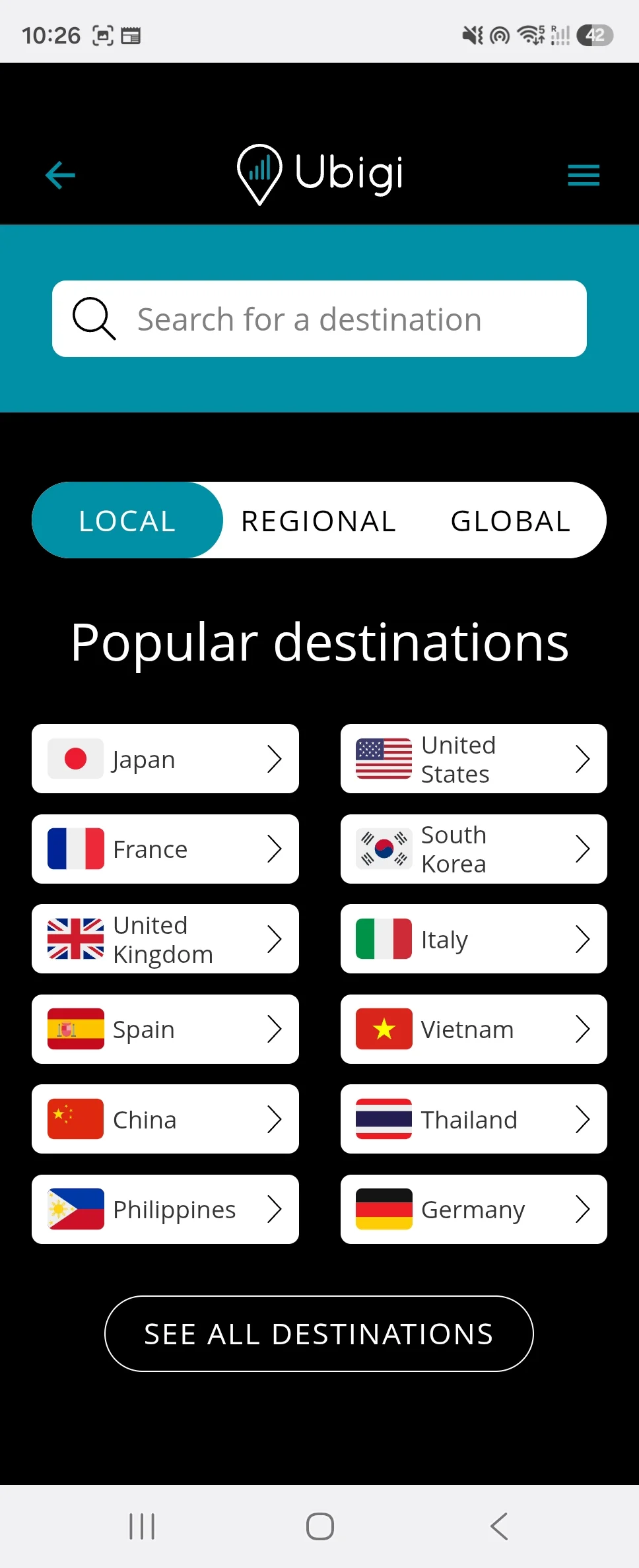

Japan and Europe · Selected fixed-data packages
Nomad eSIM: Good Value for a Phone-and-iPad Data Budget
Nomad eSIM is particularly useful when a larger shared package fits the trip. Its Japan 20GB sale can cover a 10GB phone budget plus 10GB for an iPad on hotspot, while separate 10GB purchases provide independence.
- iPad setup
- QR code or supported app flowInstall the purchased profile on the intended device
- Networks
- KDDI au / SoftBank in JapanJapan fixed packages here list 4G; Europe 35 partners differ by country
- Hotspot
- Supported on these fixed packagesAll connected devices use the same balance
- Activation
- First supported network connectionUnused selected plans start automatically after 60 days
Nomad eSIM Japan fixed-data plans
| Data / validity | Price (USD) | With 15% offCurrent price |
|---|---|---|
| 5GB 30 daysLight use with longer validity | US$10.00 | US$8.50US$10.00 |
| 10GB 30 daysA two-week fixed-data option | US$16.00 sale Regular: US$18.00 | Not eligible for this code |
| 20GB 30 daysUseful for a phone and iPad hotspot | US$23.00 sale Regular: US$26.00 | Not eligible for this code |
Nomad eSIM Europe fixed-data plans
| Data / validity | Price (USD) | With 15% offCurrent price |
|---|---|---|
| 5GB 30 days | US$17.50 | US$14.88US$17.50 |
| 10GB 30 days | US$23.00 | US$19.55US$23.00 |
The Japan 10GB and 20GB prices are public sales, so the reader code does not apply to those rows. The regular Japan 5GB package and selected Europe 35 packages are different purchases with their own eligible prices.
The Europe rows use the 35-country fixed-data product, which includes France, Germany and Italy. Its allowance and validity run across the route. Japan-only network names do not describe the European package.
Choose the installation device carefully before adding the profile. Transfer and reinstallation rules depend on the underlying product. Nomad’s refund policy also says purchases made with a discount code become non-refundable once the plan is installed or activated; checking the model before installation is worthwhile.
Choose Nomad eSIM if…
You want a predictable fixed balance, especially 20GB for a shared Japan connection or more active iPad use.
Consider another option if…
You want the lowest current 10GB regional price for our European route: Ubigi costs less before reader codes.
Use our link and enter MYTECHGUIDE15 on your first eligible purchase for 15% off. One use only. Excludes plans below US$5, sale plans, add-ons, unlimited plans and Thailand 50GB. Cannot be combined with the free trial.
A closer look at the Nomad eSIM app
Select a screenshot to enlarge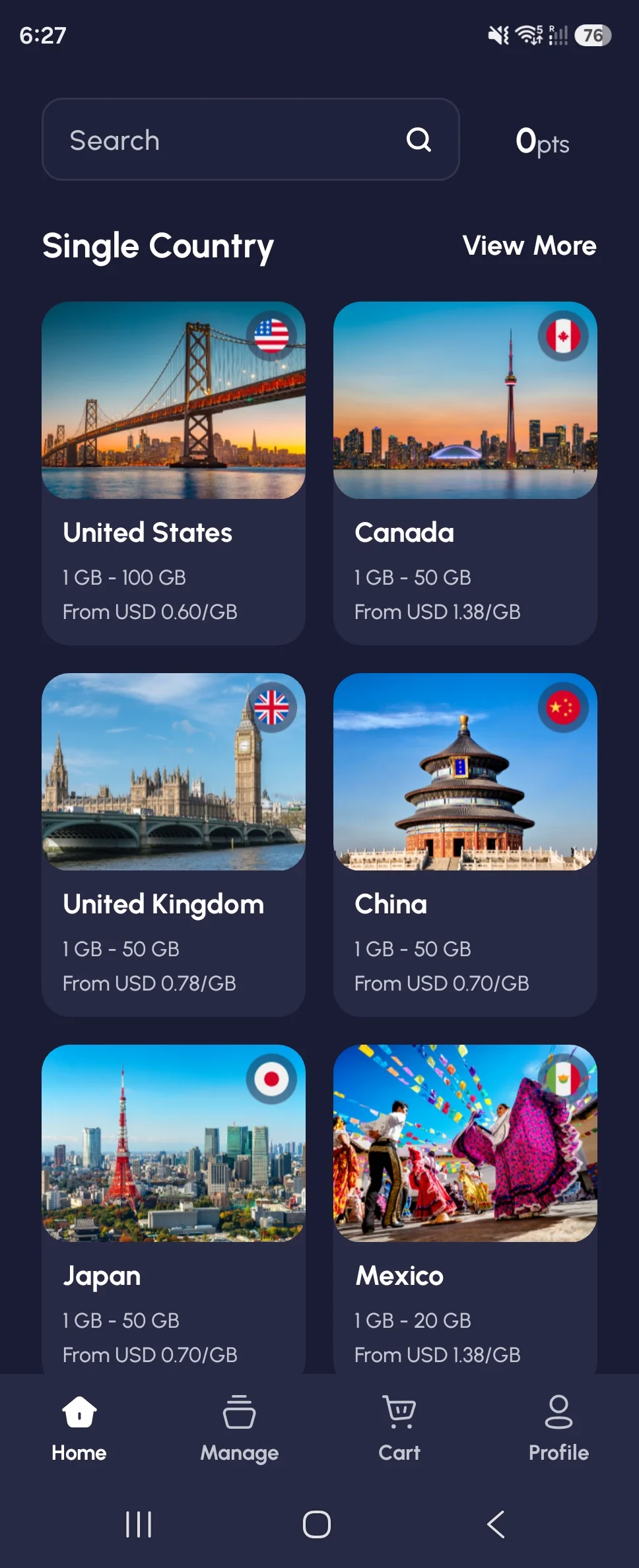
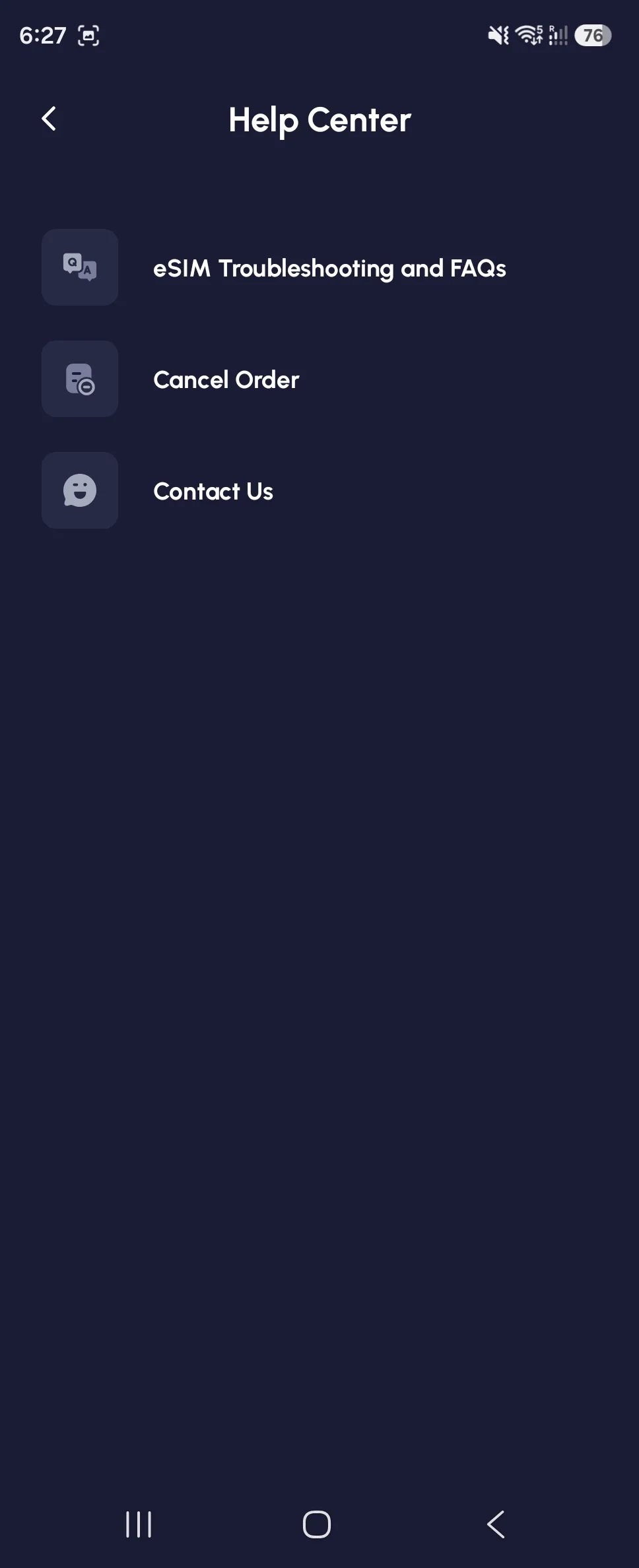

Japan and Europe · Selected fixed-data packages
GigSky: Lower Japan Prices at the Current Public Sale
GigSky’s inspected USD storefront is competitive for both Japan baskets. It also documents installing a plan on another compatible device, useful when you buy on a phone but want the profile on the iPad.
- Target device
- Select the iPad for installationAn account can manage devices with separate profiles and plans
- Coverage
- Japan or a separate Europe planPick the country or regional package for the trip
- Hotspot
- Included on the selected fixed plansSharing consumes the same fixed allowance
- Activation
- First eligible network connectionKeep the travel line ready for the covered destination
GigSky Japan fixed-data plans
| Data | Validity | Price (USD) |
|---|---|---|
| 5GB | 30 days | US$8.75 sale Regular: US$10.29 |
| 10GB | 30 days | US$14.27 sale Regular: US$16.79 |
GigSky Europe fixed-data plans
| Data | Validity | Price (USD) |
|---|---|---|
| 5GB | 30 days | US$14.44 sale Regular: US$16.99 |
| 10GB | 30 days | US$19.54 sale Regular: US$22.99 |
The figures are the public storefront sale amounts, with regular prices listed separately. Visa benefits, free trials and reader offers have their own eligibility.
In the GigSky app, select the purchased plan under My Plans and choose the correct installation target. Its installation guide explains the Different Device option and QR delivery. GigSky’s device guidance says each device needs its own eSIM and data plan; using the same account does not create a shared balance.
For Europe, the named regional product covers our France–Germany–Italy example. Check the package’s Countries list for additional stops. A country plan, a regional land plan and a cruise package are separate purchases.
Choose GigSky if…
Today’s Japan sale fits your budget, or you want to manage the purchase while installing on a different compatible device.
Consider another option if…
You primarily need 10GB on our European route: Ubigi’s one-off package costs less than the selected GigSky regional sale.
A closer look at the GigSky app
Select a screenshot to enlarge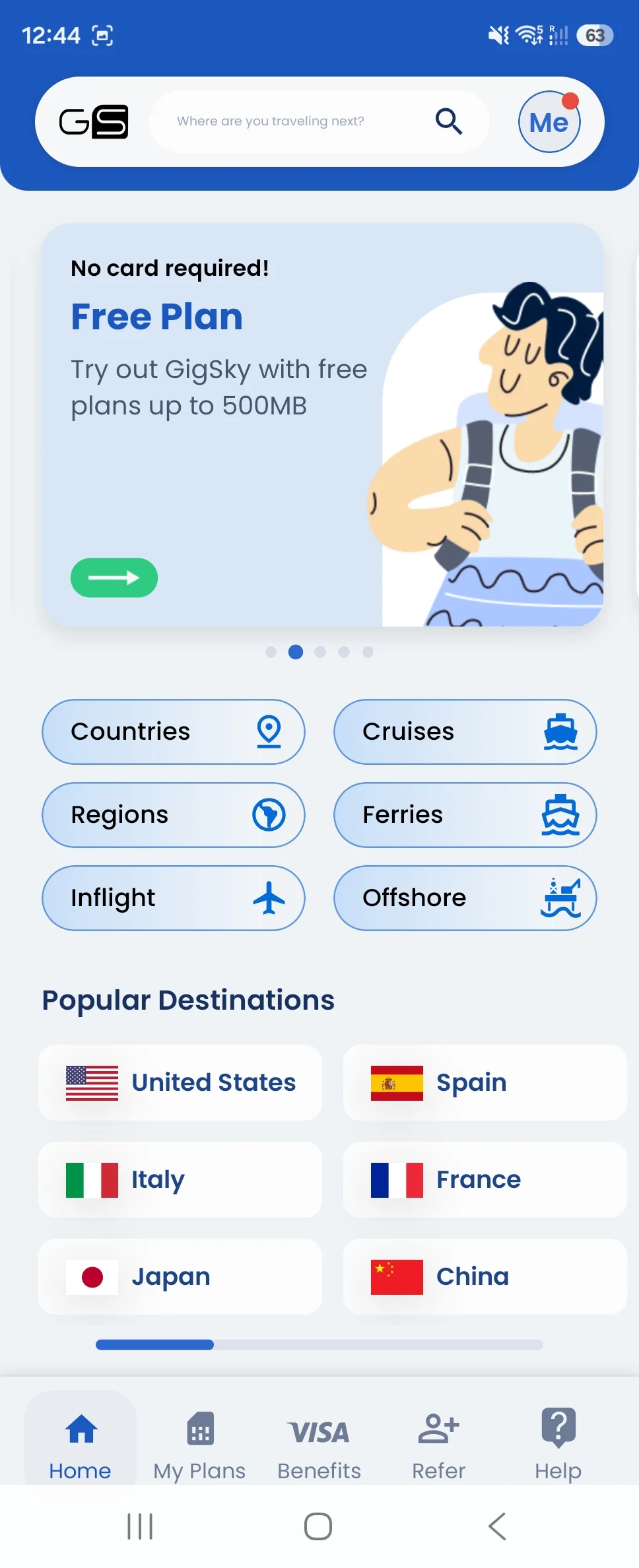
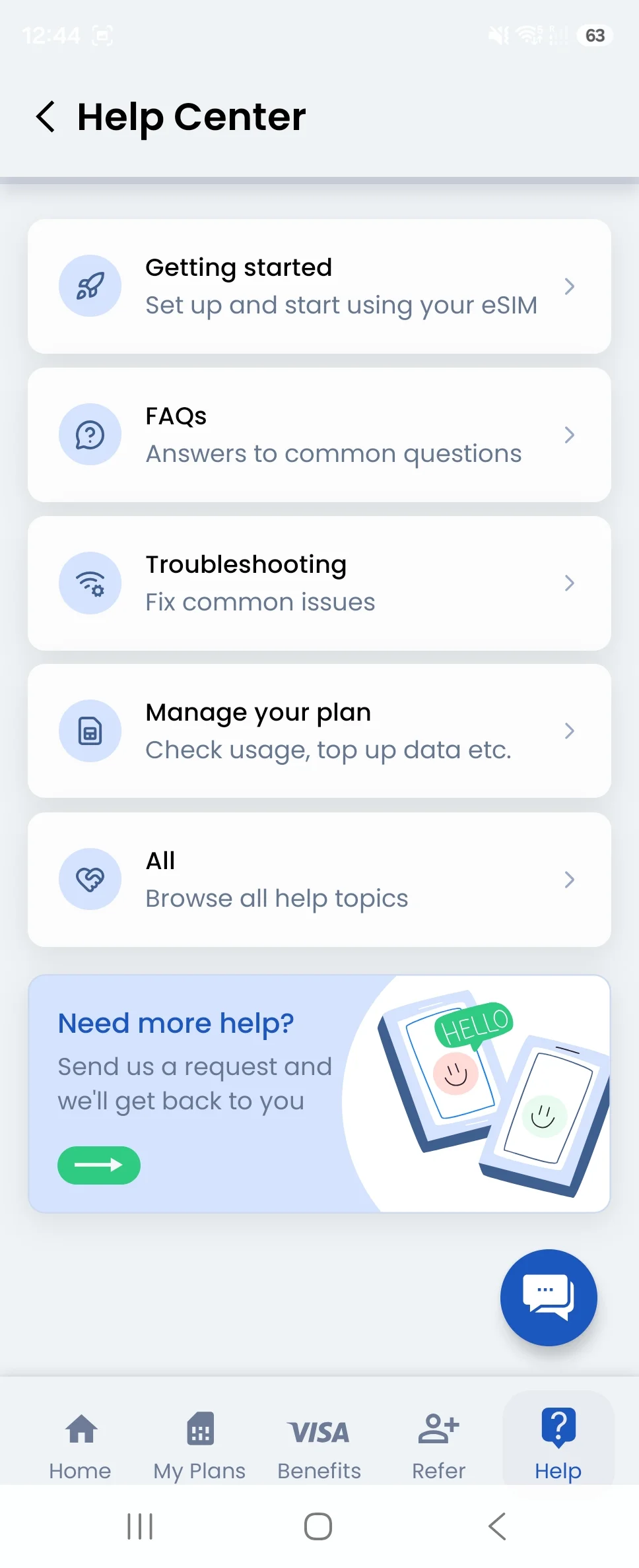

Japan and Europe · Selected fixed-data packages
Airalo: Useful 15-Day Packages and a Cheaper Light Europe Basket
Airalo’s 15-day packages match a two-week itinerary closely. EUconnect 5GB at US$13 is the cheapest selected light-use Europe purchase, while Japan prices sit above the leading public sales.
- iPad setup
- QR code or app instructionsChoose the iPad as the installation device
- Coverage
- Moshi Moshi / EUconnectJapan and the EU–UK regional product are separate
- Hotspot
- Subject to device and network supportShared usage comes out of the package
- Activation
- First use in covered destinationsPlan-specific installation and connection settings apply
Airalo Japan fixed-data plans
| Data / validity | Price (USD) | With 15% offCurrent price |
|---|---|---|
| 5GB 15 days | US$10.50 | US$8.93US$10.50 |
| 10GB 15 days | US$17.50 | US$14.88US$17.50 |
Airalo Europe fixed-data plans
| Data / validity | Price (USD) | With 15% offCurrent price |
|---|---|---|
| 5GB 15 days | US$13.00 | US$11.05US$13.00 |
| 10GB 15 days | US$22.00 | US$18.70US$22.00 |
For Japan, these are Moshi Moshi data packages; the selected product lists Softbank and KDDI. For Europe, EUconnect covers the European Union and United Kingdom, including all three example stops. Check a wider itinerary against that exact list.
Airalo’s device-selection and unused-eSIM guidance explains sharing an uninstalled QR code with the intended compatible device. Once a profile is installed, use its specific instructions rather than assuming it can be moved like a photo.
Allow enough validity for arrival and departure times. If 15 days is too tight, compare the actual 30-day variant rather than buying a seven-day package for a two-week trip.
Choose Airalo if…
5GB is sufficient for the Europe example, or you already use Airalo and want the selected short-validity packages.
Consider another option if…
You need 10GB for Europe or are choosing Japan only by the current public price; the lower-priced rows above are stronger value.
Use NEWTOAIRALO15 for 15% off your first Airalo eSIM purchase. Valid through December 31, 2026.
A closer look at the Airalo app
Select a screenshot to enlarge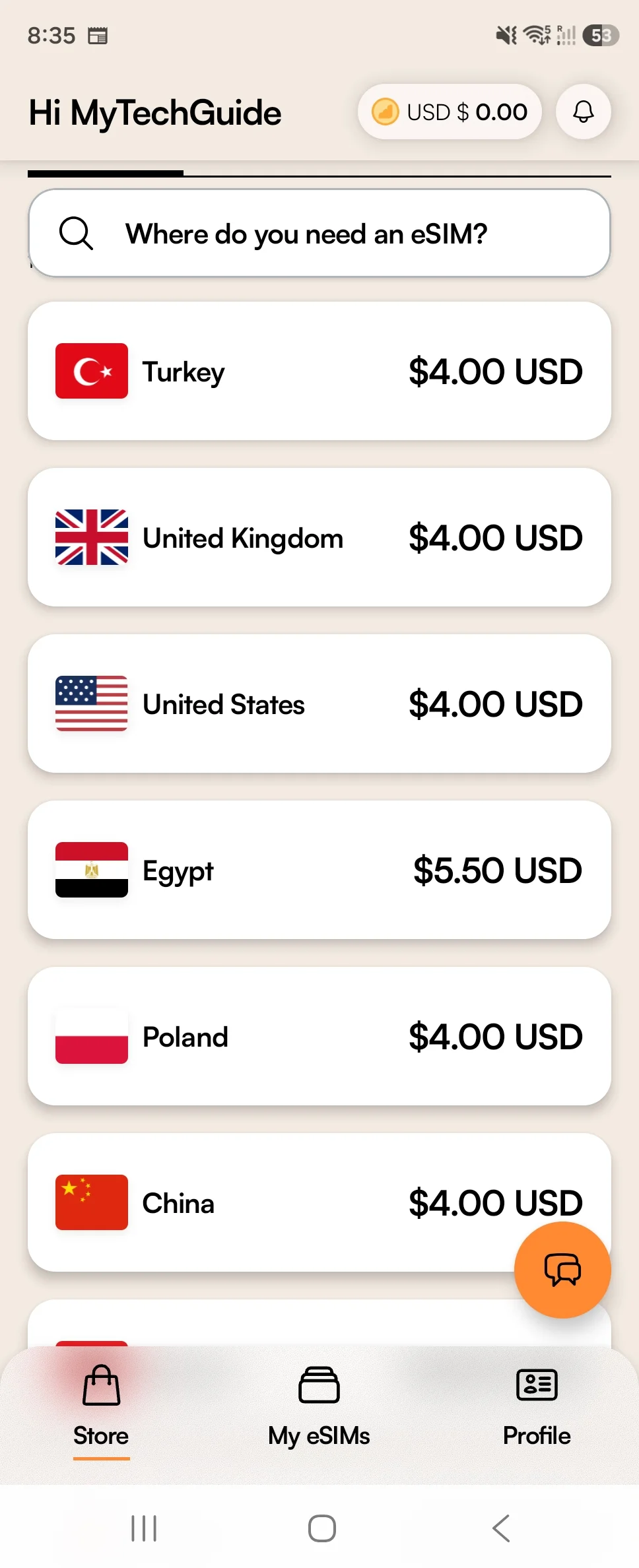
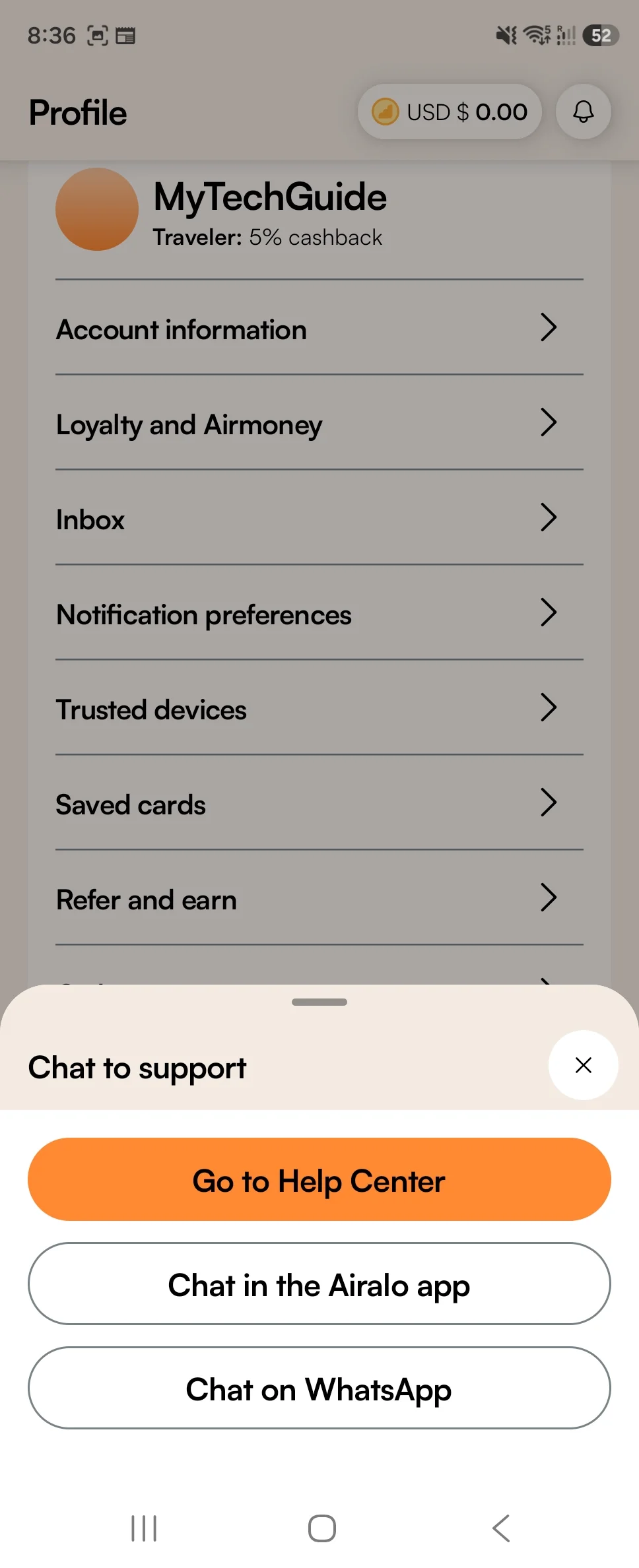

Japan and Europe · Selected fixed-data packages
Saily: A Reusable Profile With Documented iPad Installation
Saily supports an iPad installation flow and a reusable profile. The fixed packages shown here suit travelers who already manage their trips in the app; its selected Europe 10GB price is substantially higher than Ubigi’s.
- iPad setup
- Supported iOS app / QR deliveryThe current App Store listing requires iPadOS 17 or later
- Japan networks
- KDDI / SoftBankRegional Europe networks vary by destination
- Hotspot
- Sharing supportedFixed packages have one shared total allowance
- Activation
- At the first covered destinationUnused packages start automatically after 180 days
Saily Japan fixed-data plans
| Data / validity | Price (USD) | With 10% offCurrent price |
|---|---|---|
| 3GB 30 daysA small backup allowance | US$7.99 | US$7.19US$7.99 |
| 5GB 30 days | US$10.99 | US$9.89US$10.99 |
| 10GB 30 days | US$17.99 | US$16.19US$17.99 |
Saily Europe fixed-data plans
| Data / validity | Price (USD) | With 10% offCurrent price |
|---|---|---|
| 5GB 30 days | US$19.49 | US$17.54US$19.49 |
| 10GB 30 days | US$35.99 | US$32.39US$35.99 |
The Saily installation guide explicitly covers iPhone and iPad, including app installation and manual details. Website purchases also provide a QR code by email. Follow the iPad’s cellular-data menus if an illustrated step uses iPhone wording.
Our table uses the 30-day fixed packages displayed in the inspected storefront. Saily can show other validity variants to different visitors, so compare the actual amount and duration shown for your purchase. New destination packages can be added to the existing profile.
The selected packages provide internet data. An optional phone-number or calling purchase is separate, and does not change the data allowance in these prices.
Choose Saily if…
You already use the Saily app and reusable profile, and its current destination package fits your budget.
Consider another option if…
Your priority is the lowest selected 10GB Europe price: US$35.99 is well above Ubigi’s US$15 one-off package.
Enter MYTECHGUIDE at checkout for 10% off.
A closer look at the Saily app
Select a screenshot to enlarge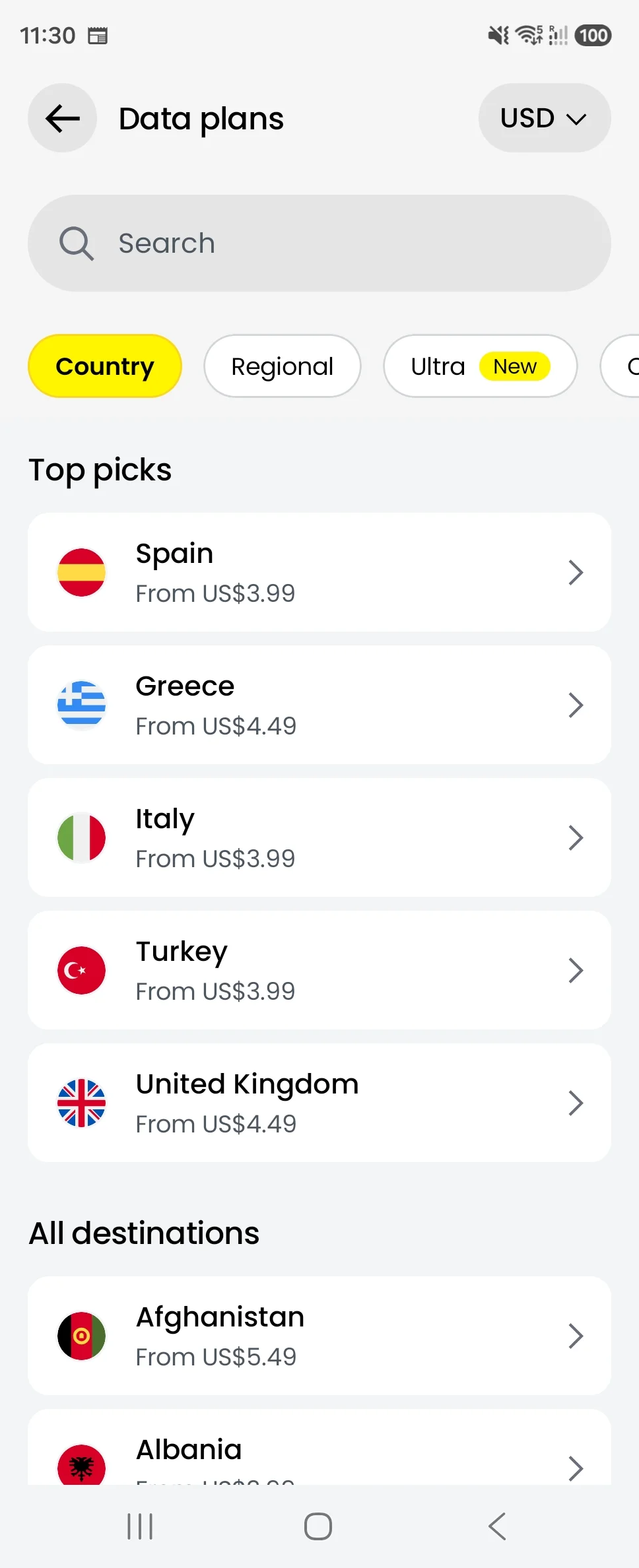
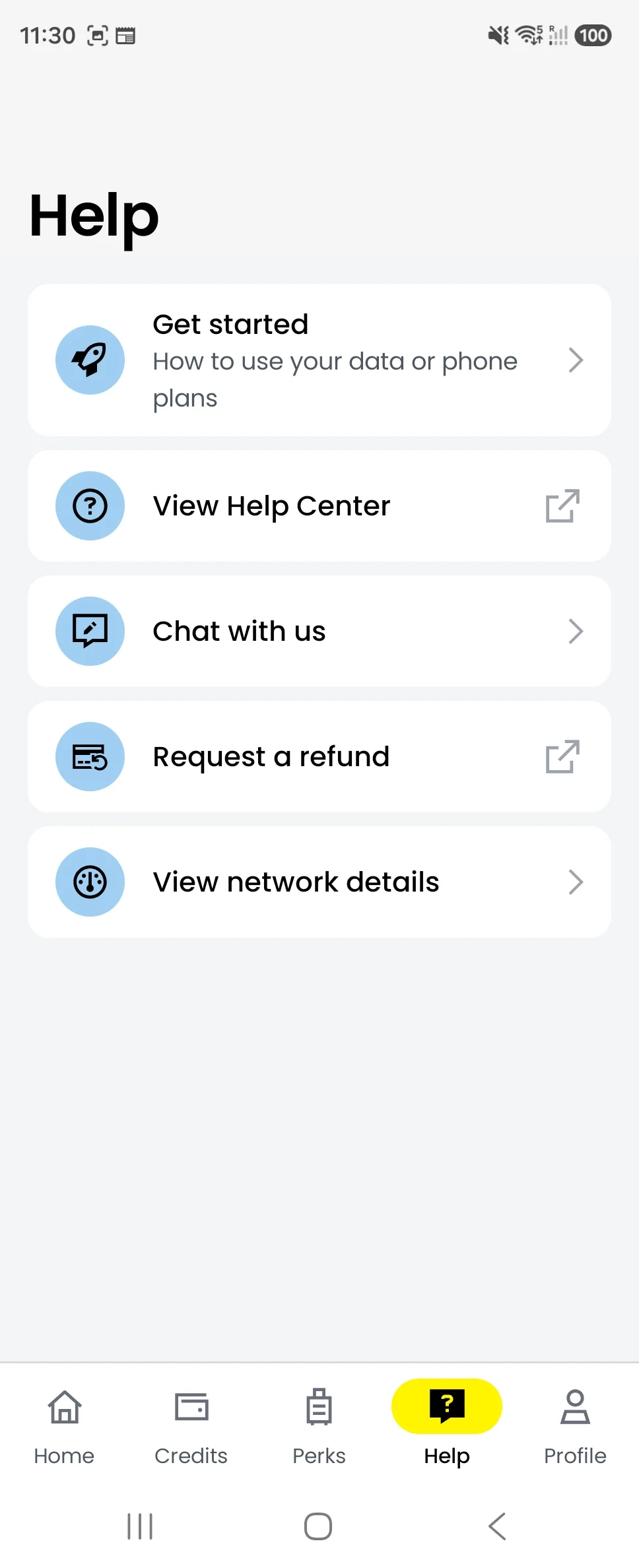

Japan and Europe · Selected fixed-data packages
aloSIM: Clear iPad Instructions, With a Higher Europe Price
aloSIM publishes iPad activation instructions and provides straightforward fixed packages. Its Japan 10GB package has the same public price for 15 and 30 days; the table uses 30 days for the extra validity.
- iPad setup
- QR code / activation instructionsThe official help article explicitly includes iPad
- Japan network
- KDDI CorporationRegional partners vary by destination
- Hotspot
- Supported on these fixed packagesSharing uses the same purchased balance
- Activation
- Connection in the covered destinationInstallation while already in coverage can begin service
aloSIM Japan fixed-data plans
| Data / validity | Price (USD) | With 15% offCurrent price |
|---|---|---|
| 5GB 15 days | US$10.50 | US$8.93US$10.50 |
| 10GB 30 daysSame price as the 15-day 10GB option | US$18.00 | US$15.30US$18.00 |
aloSIM Europe fixed-data plans
| Data / validity | Price (USD) | With 15% offCurrent price |
|---|---|---|
| 5GB 30 days | US$19.50 | US$16.58US$19.50 |
| 10GB 30 days | US$36.00 | US$30.60US$36.00 |
aloSIM’s iPhone and iPad activation instructions distinguish installing the profile from connecting to a supported destination network. On supported software, installation while already in the covered country can also begin activation, so install when you are ready to use the package.
The Japan catalog offers 10GB / 15 days and 10GB / 30 days at US$18. The longer version is the more useful choice at that price. The selected Europe product includes France, Germany and Italy but is appreciably more expensive than several alternatives.
A separate app-based calling benefit does not give these data packages a native cellular voice service on iPad. Choose around internet access and the actual trip budget.
Choose aloSIM if…
Its documented iPad workflow suits you or you prefer to keep using your existing aloSIM account.
Consider another option if…
Price is decisive for a 10GB European trip: the selected US$36 package is considerably above Ubigi’s US$15 option.
Enter MYTECHGUIDE at checkout for 15% off your aloSIM data package.
A closer look at the aloSIM app
Select a screenshot to enlarge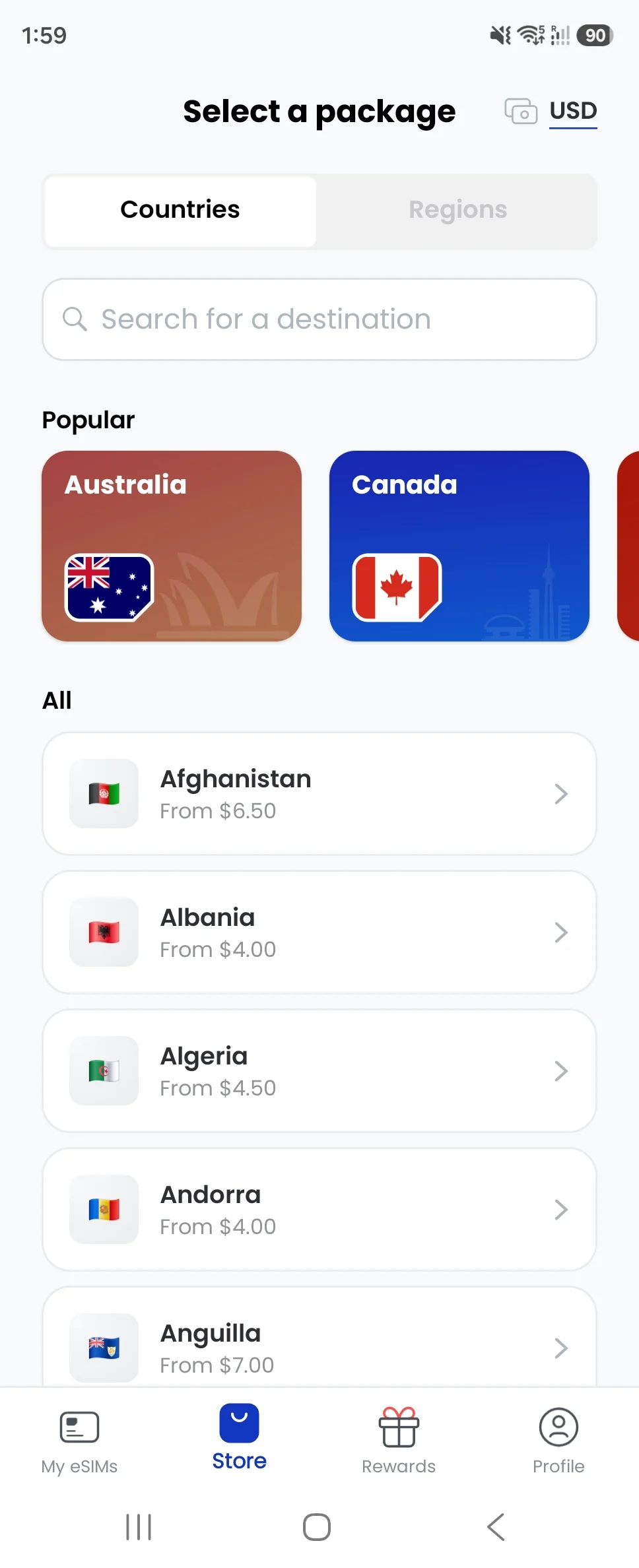

Japan and Europe · Unlimited travel eSIM
Holafly: Unlimited Data on the iPad Itself
Holafly is worth considering for frequent use on the installed iPad. The price pays for unlimited on-device data subject to fair use, while the separate daily hotspot cap matters when the iPad is being tethered from a phone.
- iPad setup
- Compatible cellular iPad + QR codeInstall on the device that will use the main data service
- Hotspot
- 1GB per dayApplies to sharing with other devices
- On-device data
- Unlimited, subject to fair useNo directly comparable numerical full-speed quota is published
- Activation
- First supported network connectionValidity runs for the selected travel duration
Holafly Japan unlimited travel plans
| Duration / sharing | Price (USD) | With 5% offCurrent price |
|---|---|---|
| Unlimited · 7 daysHotspot: 1GB per day | US$27.50 | US$26.13US$27.50 |
| Unlimited · 14 daysHotspot: 1GB per day | US$47.50 | US$45.13US$47.50 |
| Unlimited · 30 daysHotspot: 1GB per day | US$73.90 | US$70.21US$73.90 |
Europe eligibility: the travel product excludes home-country use, including the entire EU for EU-based residents. The prices below are for eligible international visitors.
Holafly Europe unlimited travel plans
| Duration / sharing | Price (USD) | With 5% offCurrent price |
|---|---|---|
| Unlimited · 7 daysHotspot: 1GB per day | US$27.50 | US$26.13US$27.50 |
| Unlimited · 14 daysHotspot: 1GB per day | US$48.90 | US$46.46US$48.90 |
Its iPad installation guide covers app, QR and manual setup. A supported cellular iPad is required. Install the profile on the iPad if you want its on-device data there; buying the phone plan and using a hotspot gives the tablet only the sharing allowance.
The Europe eligibility restriction comes before the price. Holafly’s product FAQ excludes home-country use, including the entire EU for EU-based residents. We do not recommend that Europe travel package for an EU resident using it within the EU. The listed Japan plan is a separate destination purchase.
For moderate use, compare the fixed-data costs first. A US$23 Japan 20GB sale may be sufficient for your budget, whereas the 14-day Holafly package costs US$47.50. Fair-use speed reductions remain possible, so unlimited data does not guarantee a constant video-call speed.
Choose Holafly if…
The iPad will be the main data device, your travel destination and residency meet the product terms, and a fixed balance feels restrictive.
Consider another option if…
You expect heavy sharing from a phone, need a predictable fixed allowance, or are an EU resident buying the Europe plan for EU use.
Use our link for 5% off any Holafly travel eSIM, applied automatically. If needed, enter MYTECHGUIDE at checkout. You can use the code again on future travel eSIM purchases.
A closer look at the Holafly app
Select a screenshot to enlarge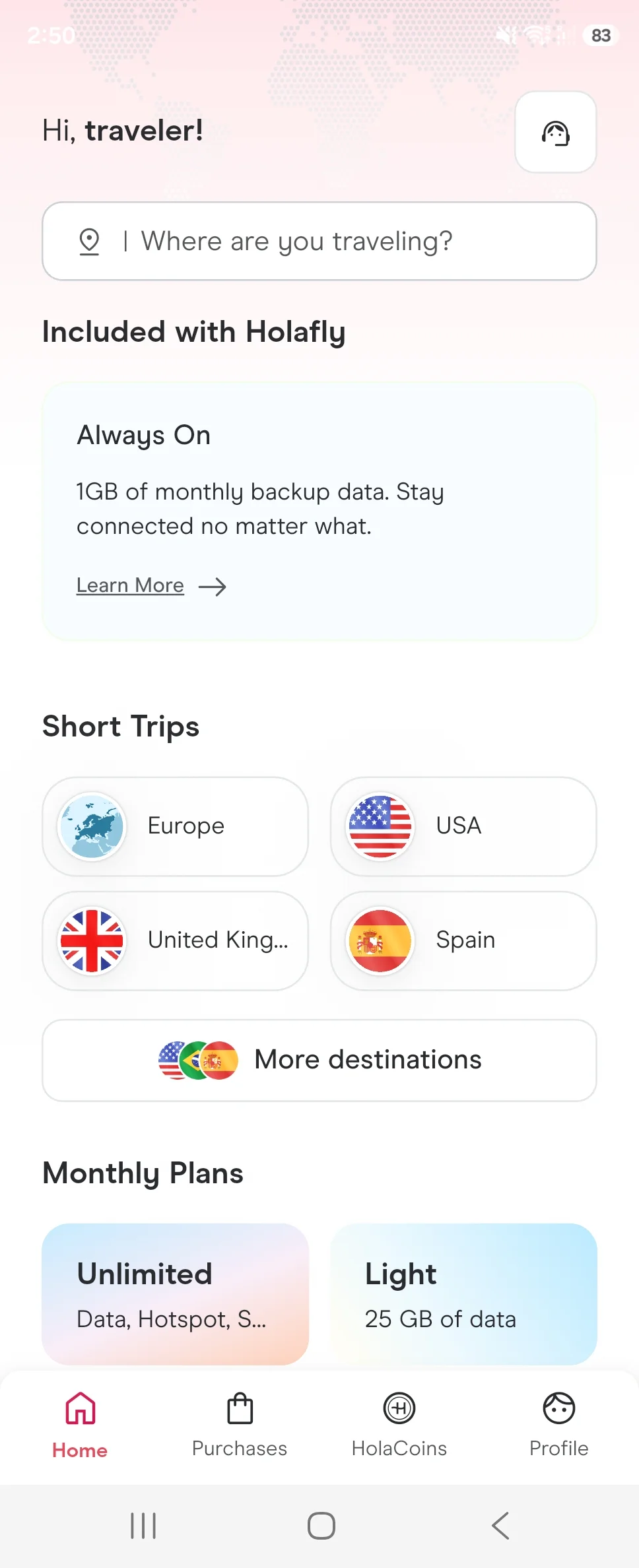
How to Install and Activate an eSIM on iPad
Buy for the correct device and install on a dependable connection before departure. Buying a plan in a phone app does not mean the phone must be its installation target. Keep the purchased profile uninstalled until you have chosen the intended iPad.
Install with a QR code
- Connect the iPad to Wi-Fi or a working hotspot and obtain the provider’s QR code.
- If the code is on another screen, scan it with the iPad’s Camera and open the cellular-plan notification. You can also use the QR option in Cellular Data → Add eSIM or Add a New Plan; labels vary by software and region.
- On iPadOS 17.4 or later, touch and hold a QR code received in an email or provider webpage, then choose Add eSIM. A second screen is unnecessary for this supported method.
- Complete the installation prompts and select the travel plan for cellular data.
Install through the app or enter details manually
If the provider supports direct iPad installation, open the purchased plan in its app and follow the Install eSIM flow. If that method is unavailable, use the supplied QR code or enter the provider’s SM-DP+ address and activation code through the manual option. Use your own purchase details.
For Ubigi, Find a New Plan is another documented route when it is available. Apple’s Join iPhone Plan option requires carrier support; it does not make a normal travel-eSIM QR code a multi-device plan.
Connect at the destination
- Choose the travel plan under Settings → Cellular Data.
- Enable the roaming setting required by that provider. Keep roaming off on an unrelated home plan that could charge for overseas data.
- Check the installed plan’s APN and supported network instructions if they are provided.
- Temporarily turn Wi-Fi off and open a webpage to test the cellular connection.
- Check the remaining allowance and package expiry in the provider’s account.
Installation and the start of validity are separate events for many travel packages. A regional plan may begin while you are still at home if home is already in its coverage. Follow the exact purchased package’s instructions.
Our eSIM setup guides and travel tech guides cover related device and travel decisions.
If the iPad eSIM Does Not Connect
First separate an installation problem from a data-connection problem. A visible profile with no internet needs a different check from a missing cellular menu.
- No cellular-data menu or Add eSIM option: confirm the Wi-Fi + Cellular model and regional version. Install available system updates; check carrier or device-management restrictions if the hardware is supported.
- Profile installed, but no data: confirm the selected data plan, supported destination, roaming setting, remaining balance and validity.
- Still no connection: use the purchased package’s APN and network-selection guidance, then restart the iPad if needed.
- Only the hotspot fails: check tethering permission and any separate hotspot APN or daily sharing allowance.
- The QR code appears used or invalid: contact the provider with your order details and the error before removing the profile.
Do not delete a working or partially installed travel profile as a routine troubleshooting step. Reinstallation and transfer permissions differ by product, and removal can make recovery harder. Apple supports storing several eSIMs on an iPad, with one eSIM in use at a time; switching the selected plan is different from deleting it.
For the phone you might use as a hotspot, see our phone eSIM compatibility guide. Check that device independently from the iPad.
Final Verdict: Buy Independence Where You Need It
Start with Ubigi for a compatible cellular iPad, particularly for Europe. Its documented setup and reusable profile fit repeat travel, and the US$15 one-off 10GB regional package is strong value for our France–Germany–Italy route. Airalo’s US$13 5GB package costs less if your use is light.
For Japan, compare GigSky’s current sale first. Its 5GB and 10GB upfront prices lead this selected comparison before reader codes. Nomad eSIM’s US$23 20GB sale is a practical alternative when a larger allowance or one phone hotspot will cover both devices.
Use a hotspot when the devices stay together; pay for a separate iPad profile when they need to work independently. With a Wi-Fi-only iPad, hotspot or Wi-Fi is the available route. Holafly makes more sense for heavier on-device use when its fair-use, sharing and residency terms fit.
Frequently Asked Questions
Can a Wi-Fi-only iPad use a travel eSIM?
No. It lacks cellular hardware. Use a phone hotspot or Wi-Fi; an eSIM app or software update cannot add that hardware.
Do I need an eSIM sold specifically for iPad?
The product must support your exact cellular iPad and its installation method. The seven providers discussed here publish iPad-compatible service or setup guidance, but a tablet model name alone does not override regional or carrier restrictions.
Can I use one eSIM on my iPhone and iPad at the same time?
A normal travel profile is not a multi-device data plan. Use a hotspot to share one device’s connection, or buy separate profiles for independent use. A carrier-supported shared billing plan is a different arrangement.
Can I install a QR code without another phone or computer?
Yes. On iPadOS 17.4 or later, Apple supports touching and holding an eSIM QR code in an email or provider webpage, then choosing Add eSIM. A supported provider-app installation is another option.
Is 5GB enough for a two-week iPad trip?
It can fit light use with larger downloads on Wi-Fi: 200MB daily plus 25% headroom is 3.5GB. At 500MB daily with the same buffer, you need 8.75GB, so a 10GB package is more appropriate.
Does unlimited phone data give an iPad unlimited hotspot?
No. Check the sharing allowance separately. The Holafly Japan and Europe travel products shown here allow 1GB of hotspot per day; an iPad tethered from a phone uses that cap.
Will a travel eSIM give my iPad ordinary mobile calls and SMS?
Cellular iPads provide mobile data rather than native cellular phone service. The selected packages are for internet access. FaceTime and other supported internet calling apps use data; a separate calling add-on has its own terms.
Can I use an iPad purchased in mainland China?
Check the exact A-number against Apple’s regional guide. Supported regional models can install non-mainland-China plans when outside mainland China with Location Services enabled; the broad international family list is not sufficient on its own.
Do I need to reinstall the eSIM for every trip?
Some providers, including Ubigi, GigSky and Saily, support adding new plans to an existing profile. Other products have their own reuse rules. Keep the profile until you have checked the next purchase’s instructions.